July 27, 2026
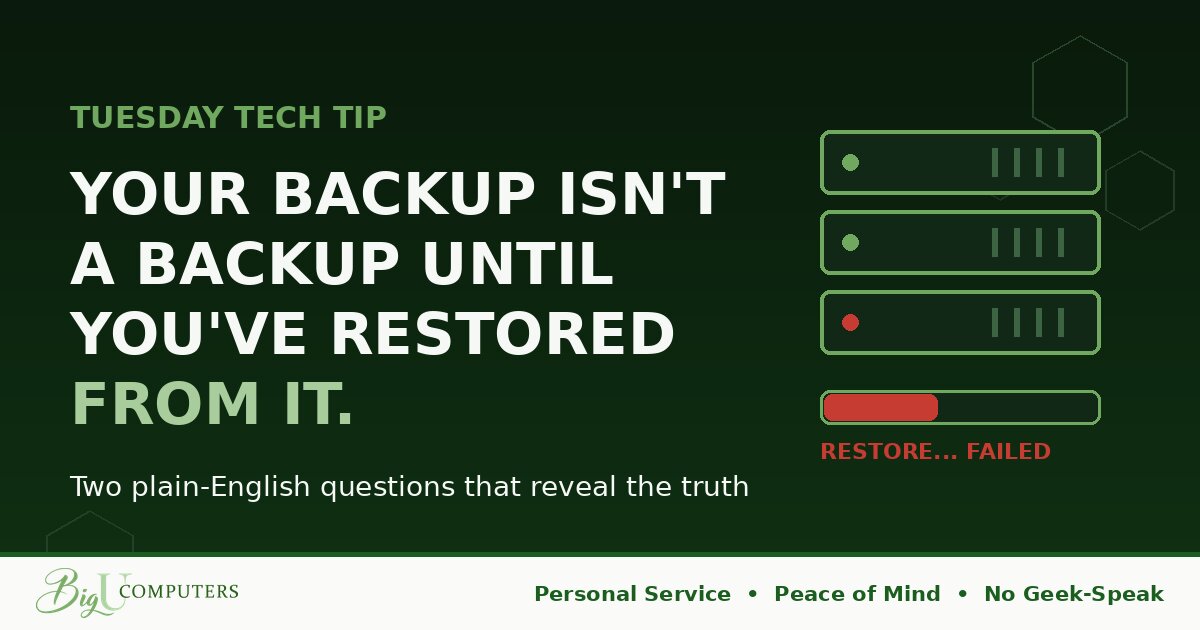
Almost every business owner I meet tells me the same thing: "Oh, we're covered. We have backups."
And here's the uncomfortable truth from someone who's been behind the curtain: a surprising number of them are wrong. Not because they're careless. Because nobody ever told them the difference between HAVING backups and having backups that WORK.
The Day You Find Out Is the Worst Possible Day
Backups are unusual. Most things in your business, you know immediately when they break. The internet goes down, everyone yells. The printer jams, everyone yells louder.
Backups fail silently. The software keeps showing a green checkmark. The invoice keeps getting paid. And the only moment you discover the truth is the exact moment you desperately need them: after ransomware, a dead server, a flood, or an employee who deleted the wrong folder.
That's why I tell people: an untested backup isn't a safety net. It's a lottery ticket.
The Three Ways "Backups" Quietly Fail
- They stopped running and nobody noticed. A password changed, a drive filled up, a setting got flipped during an update. The job's been failing for eight months and every failure email went to an inbox nobody reads.
- They run, but they're backing up the wrong things. The system was set up years ago. Since then you added new software, new folders, a new server. The backup faithfully protects your 2021 business while your 2026 business sits exposed.
- They work, but restoring takes days. This is the one nobody thinks about. Having your data somewhere and being back in business are very different things. If a full recovery takes four days, ask yourself what four days of closed doors costs you. For many businesses, that number is fatal.
The Two Questions That Cut Through Everything
You don't need to understand the technology. You need to ask two plain-English questions of your IT provider, or of yourself if you handle this in-house:
Question 1: "When was our last successful TEST restore?" Not "did the backup run." A test restore means someone actually pulled real files back out and confirmed they open. The answer should be a specific, recent date, with proof.
Question 2: "How long until we're fully operational after a total loss?" The answer should be a number of hours, not a shrug. This number even has a name in our world (recovery time), but forget the jargon. Just get the number.
A date and a number. If you get both, sleep well. If you get hesitation, excuses, or "I'd have to check," you've just learned something important while it's still cheap to fix.
What "Done Right" Actually Looks Like
- Backups monitored every single day, by a system a human actually checks, not an ignored inbox.
- Test restores performed on a schedule, with documented results.
- More than just files: the ability to spin your systems back up quickly, so a dead server means hours of downtime, not days.
- Proof delivered to YOU regularly, in plain English, so you never have to take anyone's word for it.
That last point matters most. Your backup status shouldn't be a secret your IT provider keeps. It's your business. You deserve to see the evidence. That's the whole reason we put verified backup results right in our clients' monthly reports. We Won't Hold You Hostage applies to information, too.
Ask the Questions This Week
Here's your homework, and it costs nothing: this week, ask whoever handles your backups for a date and a number. Last successful test restore. Hours to full recovery.
And if the answers make you uneasy, or you just want a second set of eyes, I'll personally walk through it with you. No geek-speak, no pressure. Book 20 minutes on my calendar here. Real Peace of Mind isn't hoping your backups work. It's knowing they do, because you've seen the proof.
Big U Computers, LLC. Personal Service, Peace of Mind, No Geek-Speak, and We Won't Hold You Hostage. That's the promise.