October 13, 2026
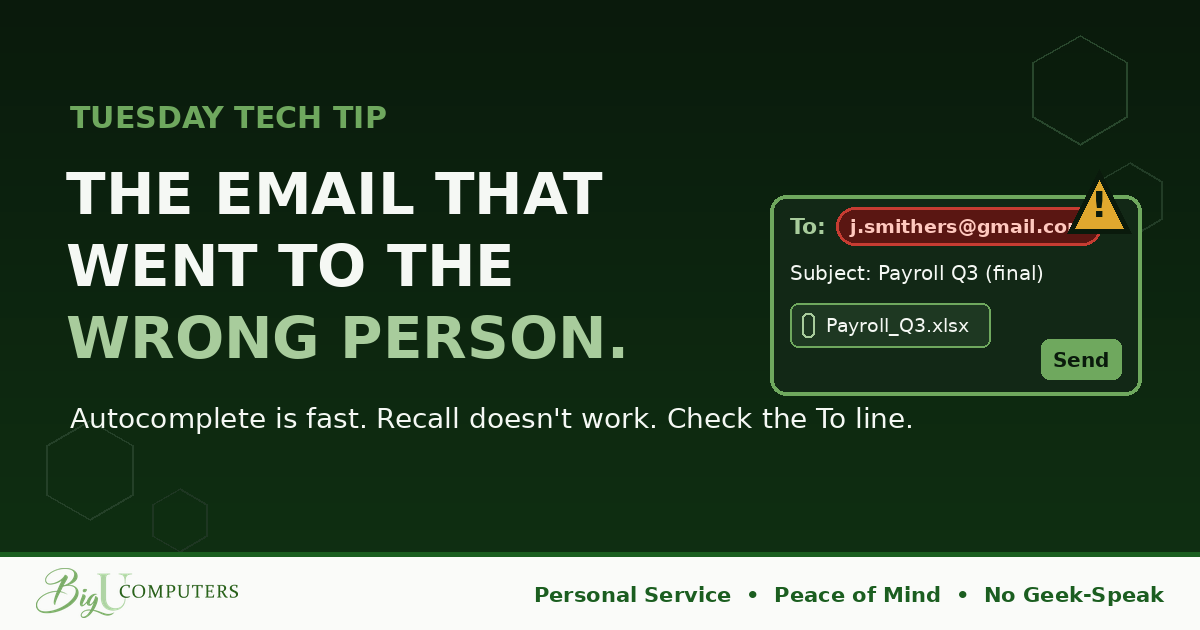
There's a specific feeling that every office worker knows. You hit send, glance at the sent folder, and see a name you didn't mean. The world slows down. You reach for the recall button like it's a fire extinguisher.
No hacker did this. No phishing email tricked anyone. Just autocomplete, a busy morning, and one wrong click. And yet the result can be exactly the same as a breach: private information in the hands of someone who shouldn't have it.
The Three Ways It Happens
- Autocomplete picks the wrong person. You type the first few letters, your email guesses, and the guess is a different John, a former employee, or a customer with a similar name. This is the big one.
- Reply-all to a list you didn't check. You reply to a message that went to twenty people, add a comment meant for one, and now everyone has it. Sometimes "everyone" includes outside vendors or clients who were copied on the original.
- The wrong attachment. Right person, wrong file. Two spreadsheets with similar names, and the one that goes out is the one with everyone's salaries in it.
Why Recall Doesn't Save You
The recall button feels like a safety net, so here's what it actually does: it only works inside your own organization, using the same email system. It only works if the recipient hasn't opened the message yet. And in many cases it sends a notification saying you tried to recall something, which is the most effective way ever invented to make someone open an email immediately.
Outside your company, it does nothing at all. The message is delivered, and it's staying delivered.
The Habit
Before you send anything with an attachment or anything you'd be uncomfortable seeing forwarded, read the To line. Not glance at it. Read it: full name, full email address. Especially when autocomplete filled it in. Especially when you're in a hurry, because hurry is when this happens.
That's the whole habit. Two seconds, every send, and it prevents the majority of these incidents.
Three Helpers That Make It Easier
- Attach last. Write the email, confirm the recipient, then attach the file. A half-written message with the right attachment and wrong recipient can't leave early if the attachment isn't there yet.
- Turn on a send delay. Most email programs can hold every message for 30 seconds before it actually goes out, which gives you an undo button that really works. In Outlook it's under Rules ("defer delivery"); in Gmail it's Settings, then "Undo Send," set to the maximum. Thirty seconds has saved more careers than any recall button.
- Check who "all" is. Before reply-all, look at the recipient list. If there's an outside address in it, or a name you don't recognize, reply to the sender only and let them decide who else needs it.
If It Already Happened
Don't panic, and don't hide it. Tell IT and your manager immediately, within minutes if you can. Often the wrong recipient is a reasonable person who can be contacted and asked to delete the message, and sometimes IT can act on the delivered copy if it stayed inside the company. All of that depends on speed. As we said last month: fast beats embarrassed, every single time.
Owners: Guardrails Exist
Modern email systems can warn a sender when a message is about to leave the company, flag when an attachment contains things like account numbers or personal data, and block certain files from being sent externally at all. These settings are quiet and unobtrusive, and most small businesses have simply never turned them on. Ten minutes of setup can catch the mistake your busiest person is going to make next quarter.
Curious what guardrails your email could have right now? Book 20 minutes with me here and I'll walk through it. Personal Service, plain English, no pressure.
Big U Computers, LLC. Personal Service, Peace of Mind, No Geek-Speak, and We Won't Hold You Hostage. That's the promise.