
October 6, 2026
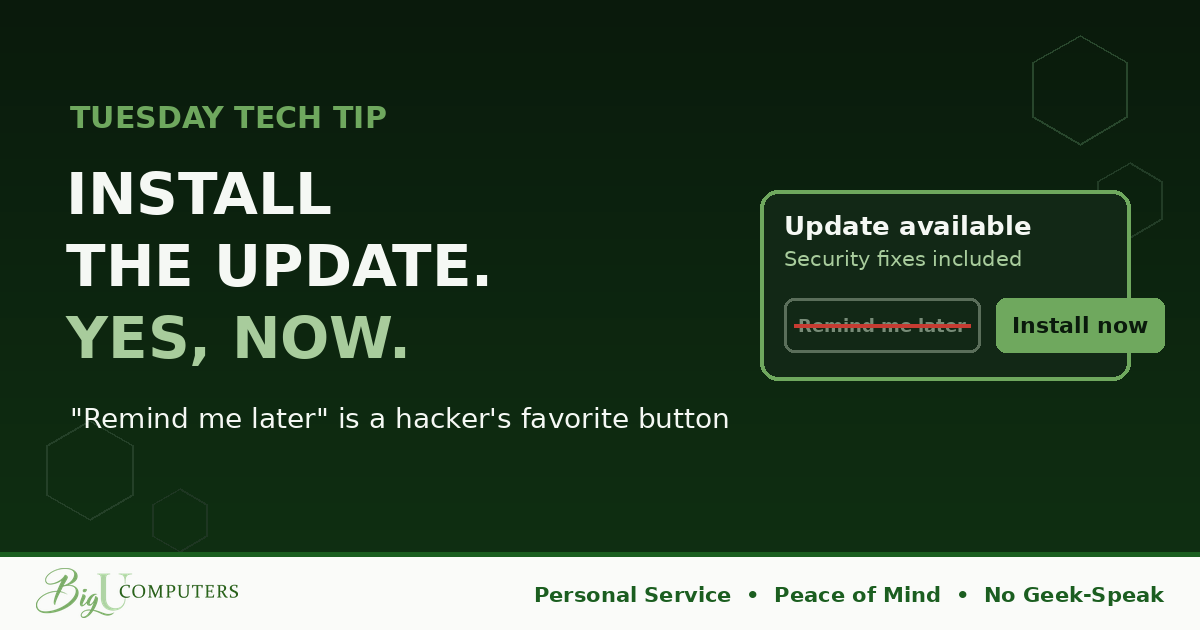
It's 10:15 on a Tuesday morning. You're three tabs deep into something important. A little box slides in from the corner: "Updates are ready. Restart now?" You don't even read it. Later. You've pressed Later so many times it's muscle memory.
This is the story of what that button actually does.
What an Update Really Is
Most people think of updates as new features, a redesigned menu, a slightly different icon. Sometimes that's true. But the ones that matter are security patches: fixes for holes that let someone take over your computer, read your files, or use your machine to reach the rest of the company.
Here's the twist most people never hear. When a company releases a security patch, it also publishes what the patch fixes. That's how the industry works. Which means the same day the fix goes out, every criminal on earth gets a detailed map of the hole. Within hours or days, automated tools start scanning for computers that haven't installed it yet.
They're not looking for you specifically. They're looking for anyone who pressed Later.
"But My Computer Works Fine"
That's the wrong test. A hole in your security doesn't slow anything down or show a warning. Everything works perfectly right up until someone walks through it. "Fine" tells you nothing about "safe."
Think of it like a broken lock on your back door. The door still opens and closes. The house looks normal. It's fine, right up until it isn't.
The Habit
- When anything asks to update, say yes today. Computer, phone, browser, apps. Today, not this week.
- When it asks to restart, restart. A downloaded update that's waiting on a restart has protected nothing yet. This is the step people skip, and it's the one that counts.
- Make end-of-day your update time. Click install, click restart, go home. It finishes while nobody's waiting.
- Don't disable automatic updates to "stop the interruptions." Pick a time instead. Most systems let you schedule restarts for outside work hours.
What to Check Tonight
Your phone. It carries your work email, your authentication app, and probably a saved password or two, and it's the device people most often leave on an old version for months. Open Settings, find Software Update, and if there's one waiting, install it while you sleep. Then check your browser: the little arrow or dot in the top corner of Chrome or Edge means an update is waiting and one click finishes it.
Owners: Nobody Should Have to Press the Button
Relying on every employee to click Install at the right moment is a plan that fails quietly. Proper management pushes updates to every company computer on a schedule, verifies they actually installed, and flags the ones that didn't, all overnight, without anyone doing anything. It's one of the least glamorous and most effective protections there is.
It's also a fair question to ask whoever manages your systems: "Can you show me which of our computers are behind on updates right now?" If the answer is a list with dates, you're in good shape. If the answer is a shrug, you know what to fix first this month. We Won't Hold You Hostage means you should always be able to see that list.
Want to know where your computers stand today? Book 20 minutes with me here and I'll show you, in plain English, with no pressure. Peace of Mind starts with the boring stuff done right.
Big U Computers, LLC. Personal Service, Peace of Mind, No Geek-Speak, and We Won't Hold You Hostage. That's the promise.