September 22, 2026
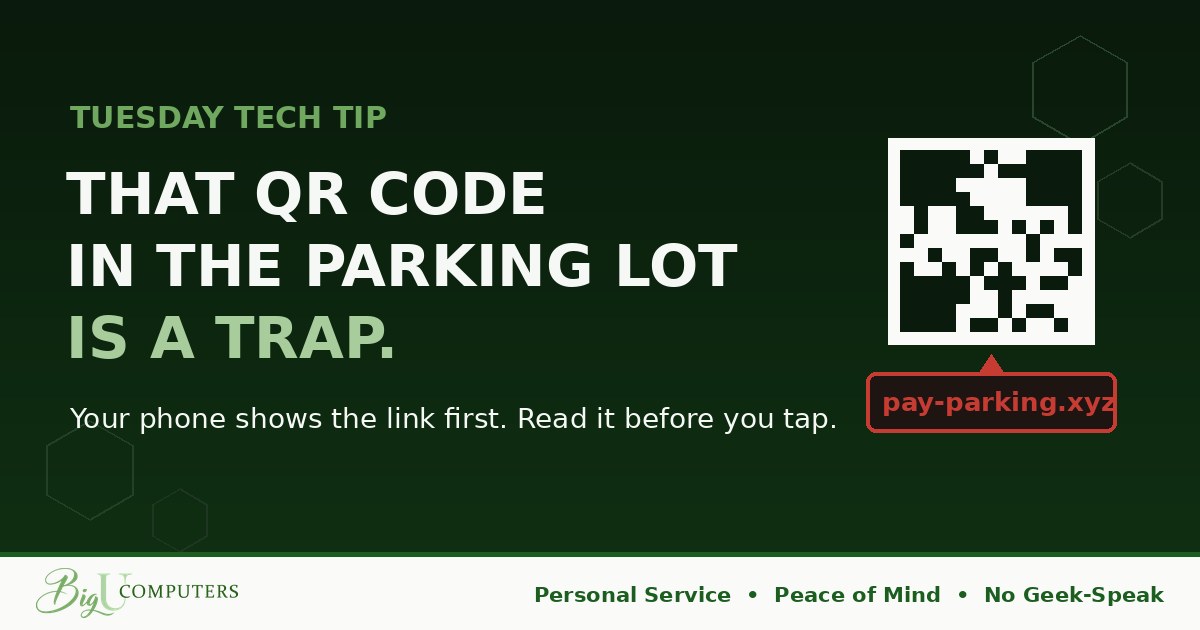
You pull into a downtown parking spot. The meter has a QR code on it: "Scan to pay." You scan, a payment page appears, you type in your card, and you head into your meeting. Easy.
Three days later, there's a $900 charge on your card from a city you've never visited, and the parking ticket on your windshield says you never paid. The code you scanned was a sticker. Someone printed it at home and stuck it over the real one.
Why QR Codes Are the Perfect Disguise
Last month we taught the hover check: before you click a link, hover over it and read where it really goes. A QR code is a link with a mask on. You can't read it by looking. You have to scan it and trust it, which is exactly the problem.
A criminal can generate a QR code for any address in five seconds and print it on a sticker for pennies. Then they put it wherever people expect to see one.
Where the Fakes Show Up
- Parking meters and pay stations. A sticker over the real code, sending you to a lookalike payment page that collects your card number.
- Flyers and posters. "Scan for the event schedule" or "scan to win," leading to a fake login page or a malicious download.
- Restaurant tables and menus. Fake "order here" codes that harvest card details.
- Emails. This is the fast-growing one. Scammers put a QR code in an email ("scan to review your benefits" or "scan to reset your password") because spam filters check links, but many can't read what's inside a picture. The code sends you to a fake login page on your phone, away from your company's protection.
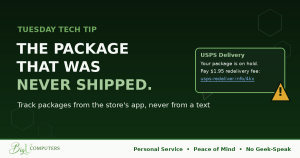
- Package and delivery notices. A card in the mail or on your door saying "scan to reschedule delivery."
The Two-Second Habit
When you point your phone's camera at a QR code, it doesn't open the link immediately. It shows you a preview: a small banner with the web address. That preview is your hover check. Read it before you tap.
What you're looking for is the same as last month. Does the address match who it claims to be? The city's real parking system, the restaurant's actual name, your company's real domain? Or is it something like pay-parking.xyz, a shortened link, or a random jumble of letters? If it looks off, don't tap. If you're not sure, don't tap. Nobody has ever been harmed by NOT opening a parking link and walking to the pay station instead.
Two Extra Rules
First: never scan a QR code that arrived in an email or text. A legitimate email can just include a normal link. The only reason to hide a link in a picture is to get past the filters that would catch it. Treat a QR code in an email exactly like a suspicious attachment.
Second: never enter card details or login information on a page you reached through a QR code. If you want to pay for parking, open the city's parking app or type the address yourself. If you want to check your benefits, go to the HR portal the way you always do. The QR code is a shortcut, and shortcuts are where the traps are.
How to Preview on Your Phone
- iPhone: open the Camera app, point it at the code, and a yellow banner appears showing the address. Read it. Tap only if it checks out.
- Android: open the Camera or Google Lens, point at the code, and the address appears at the bottom of the screen. Same deal.
- Either phone: if a scanner app opens links automatically without showing you the address first, turn that setting off or use the built-in camera instead.
If You Already Scanned One
If you entered card details, call your bank and get the card replaced. If you entered a login, change that password right away, and tell whoever handles your IT if it was a work account. And as always: fast beats embarrassed. These stickers fool people every day because they look exactly like the real thing.
Owners: Check Your Email Filter
QR code phishing has grown quickly because it works around traditional filtering. Modern email protection can read the code inside an image and check where it points, but not every setup has that turned on. It's a quick question to ask, and a bad surprise to discover after the fact.
Not sure if yours can see inside a QR code? Book 20 minutes with me here and I'll check. Plain English, no pressure, Peace of Mind.
Big U Computers, LLC. Personal Service, Peace of Mind, No Geek-Speak, and We Won't Hold You Hostage. That's the promise.