August 25, 2026
Here's a quick thought experiment. Walk through your office right now, in your head, and count the unlocked computers sitting at empty desks.
Every one of those screens is a wide-open filing cabinet with the drawers pulled out. And unlike a hacker halfway around the world, the person who sits down at one doesn't need any skill at all. The hard part, logging in, was already done. By you.
What an Open Screen Actually Hands Over
- Your email, readable AND sendable. Someone can fire off a message as you in ten seconds: to a client, to payroll, to the bank. Whatever they send carries your name and your credibility.
- Password resets for everything. With your inbox open, "forgot password" links for other accounts land right there. Your email is the master key to every other lock you own.
- Client and company files. Anything you can open, they can open. Contracts, pricing, personnel files, whatever your role touches.
- Saved browser passwords. If your browser fills in logins automatically, so does their visit to those same sites.
"But It's Just Us Here"
That's the sentence that precedes most incidents. Think about who actually passes through a small office in a normal week: customers, sales reps, delivery drivers, repair techs, interviewees, employees' family members, and the cleaning crew after everyone's gone home.
None of them are probably a threat. All of them are possibly one, and the honest truth is that a meaningful share of small business data incidents involve someone already inside the building: sometimes a stranger, sometimes a soon-to-be-ex-employee collecting leverage. An unlocked screen doesn't ask for credentials or intentions.
The One-Second Fix
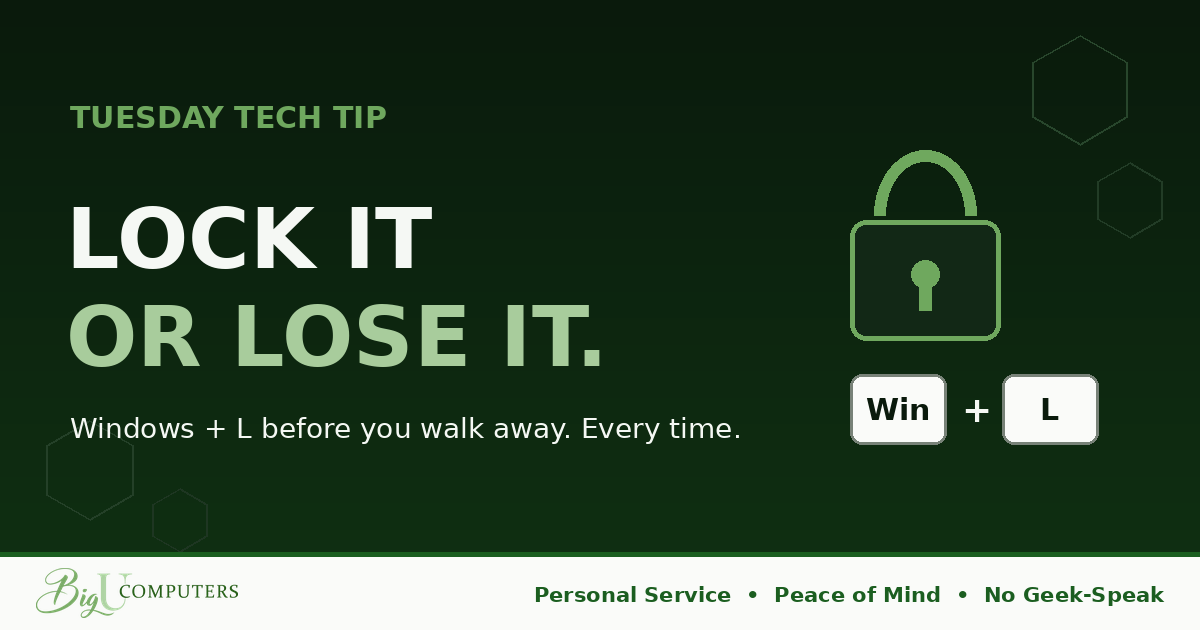
On Windows: hold the Windows key and press L. Locked.
On a Mac: Control + Command + Q. Locked.
Your work stays exactly as you left it behind the lock. Nothing closes, nothing is lost. You're one password away from picking up mid-sentence, and everyone else is one locked door away from nothing.
The trick is making it a reflex instead of a decision. For one week, lock every single time you stand up, even for a 30-second coffee refill. Reflexes are built by repetition, not importance, which is why the 30-second trips count MORE than the lunch breaks. By Friday your fingers will do it before your brain weighs in.
The Safety Net for Human Beings
People forget. That's not a character flaw, it's a Tuesday. So every computer should also lock ITSELF after a short idle period: 10 minutes is a sensible balance for most offices, shorter for anywhere the public walks freely.
But hear this clearly: the auto-lock is the backup, not the plan. Ten unlocked minutes is an eternity. The manual lock protects second one. The auto-lock protects the day you're distracted. You want both.
Owners: Make the Safety Net Automatic
Auto-lock shouldn't depend on each employee remembering to configure a setting. It can be enforced from one place across every company computer at once, set it once and it quietly covers everyone forever. That's a ten-minute job for whoever manages your systems, and if the answer is "nobody manages our systems," that's worth a conversation all by itself.
We set this up for clients as a matter of course, along with the rest of the quiet, boring protections that make Peace of Mind real. Book 20 minutes with me here and I'll walk you through it, in plain English, no pressure.
Big U Computers, LLC. Personal Service, Peace of Mind, No Geek-Speak, and We Won't Hold You Hostage. That's the promise.